
How Much Does AI DnD Character Art Cost? 2026 Guide
How much does AI DnD character art cost in 2026? Compare free tiers, paid plans, per-image maths, and a practical CharGen workflow.
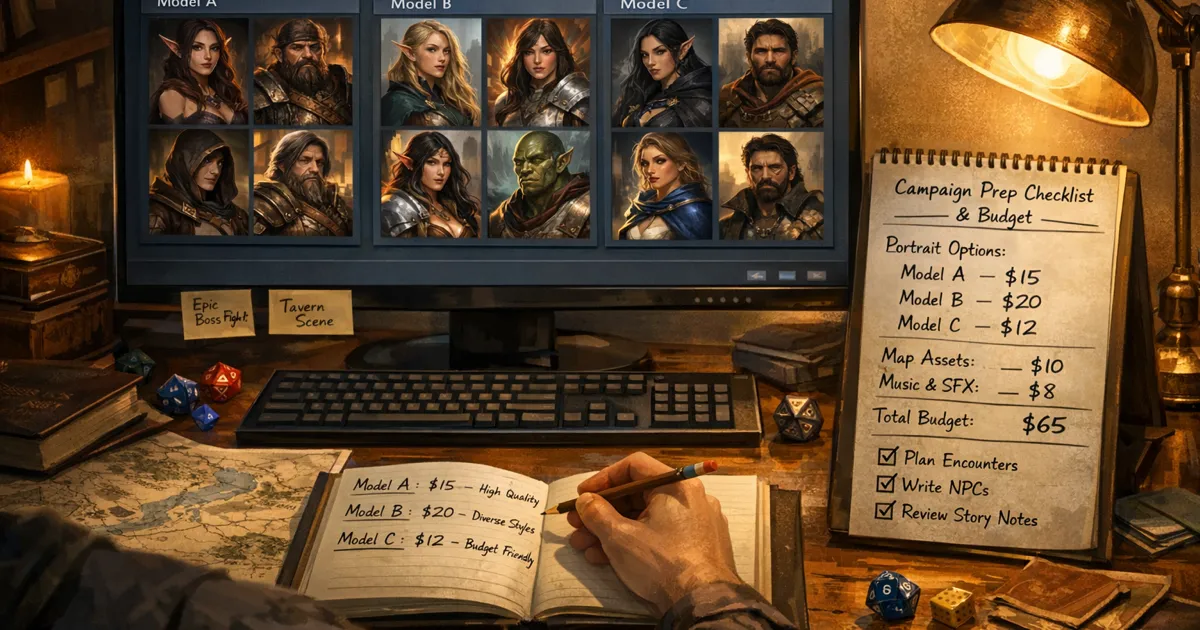
How much does AI DnD character art cost? That is the part most guides skip, and it is the reason many DMs abandon AI art after one month. The art itself is not the issue. Budget drift is. You generate six portraits, test three models, reroll hands twice, and suddenly your prep week costs more than the sourcebook you planned to buy.
I stopped treating character art as a vague “creative cost” and started tracking it like session prep time. Once I did that, my results improved and my spend settled down. If you want better ai dnd character art without surprise charges, this is the method I now use in CharGen.
Updated 31 July 2026: I rechecked the free allowances and entry plans for CharGen, Leonardo, NightCafe, Midjourney, and OpenAI's image API. The useful comparison is no longer "free versus paid" in the abstract. It is whether your next session needs a few draft portraits, a private recurring character, or a repeatable batch of table-ready assets.
Why dnd character art generator pricing matters more in 2026
D&D tables are making more assets than they did two years ago. It is no longer one hero portrait and done. You might need:
- a player portrait refresh for level-up arcs
- 10 to 20 NPC faces for a city chapter
- token-ready squares for Roll20 or Foundry
- style-consistent faction art for handouts
That volume changes the math. A model that looks amazing for one hero shot can still be a bad choice for batch prep.
The wider AI market has moved quickly too. OpenAI launched GPT Image 1.5 in December 2025 with tighter prompt adherence and editing improvements, while Midjourney pushed V7 updates around quality and speed in 2025. If you are comparing tools, those changes matter because they affect reroll rates, and reroll rates are where your budget leaks.
Useful references:
The mistake that burns most budgets
Most of us pick a model for style, then keep that model for every task. That is where cost climbs.
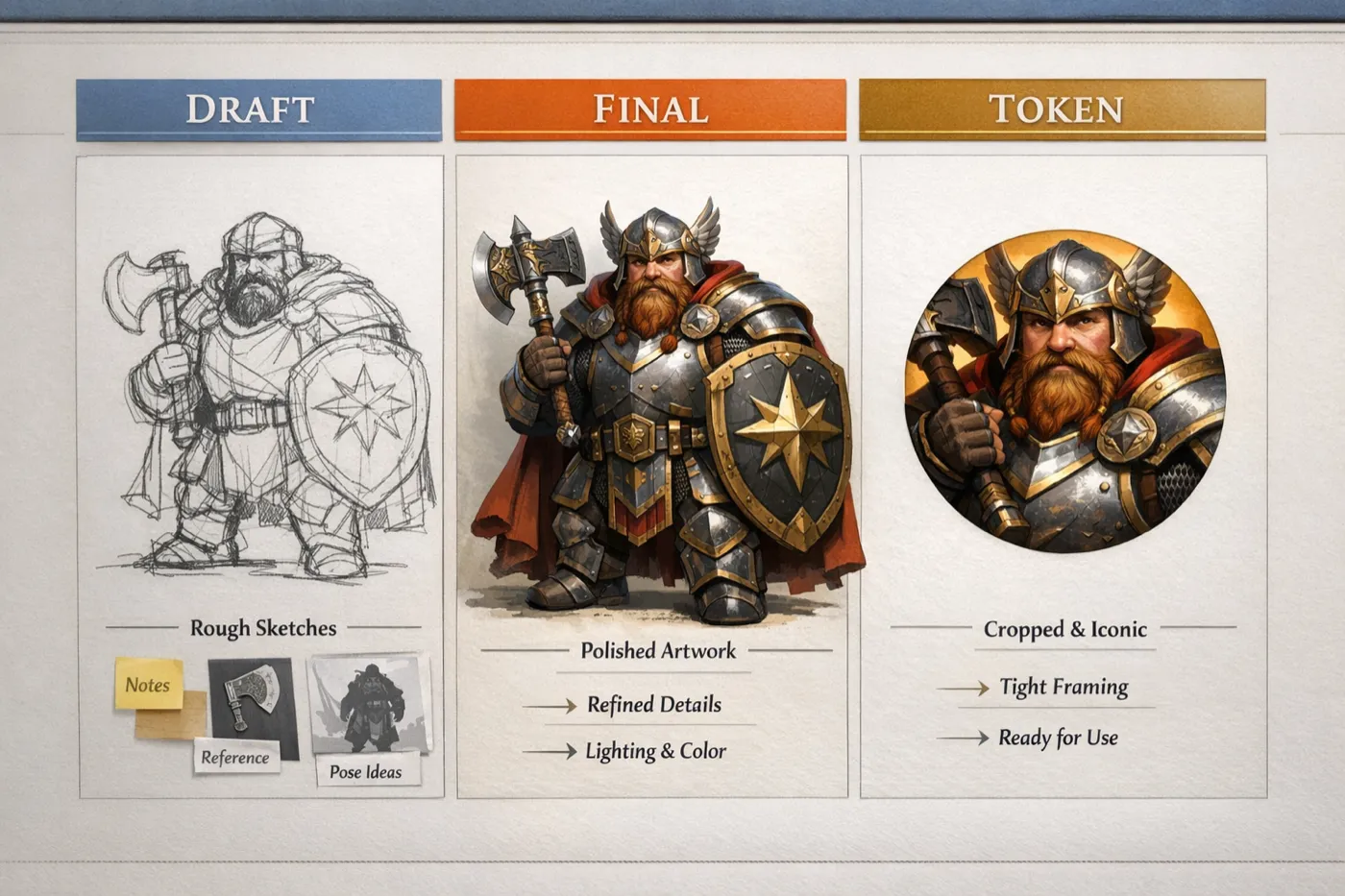
Portrait ideation, final render, and token export do not need the same model behaviour. They are three separate jobs.
In my campaigns, I now split work into lanes:
- fast draft lane for composition checks
- quality lane for final face and armour detail
- utility lane for token-safe crops and cleanup
When I started separating those lanes, my monthly spend dropped and my output looked more coherent.
My CharGen setup for cost control
I use CharGen’s generator interface as a fixed routine instead of clicking around until something works.
My core controls are:
Modelchip for swapping model familiesSizechip for aspect ratio disciplineNumber of Imagesfor batch pressure controlPremium Qualityonly when the image is genuinely final- model picker modal tabs (
All,New,Featured,Img2Img) when I am hunting alternatives
I also keep the Model Comparison page open for side-by-side tests when I am unsure.
That sounds simple, but this one habit does most of the savings work.
Cost lanes I use each week
Lane A: draft fast, decide fast
For rough ideation, I generate at lower-cost settings and smaller outputs first. My only goal is silhouette, mood, and major costume shapes.
Example from last week:
I needed a half-orc oathbreaker with ceremonial plate and a chipped tusk. I ran six drafts in the fast lane, rejected four, then promoted one prompt skeleton to final render. Total time was under ten minutes, and I avoided burning premium settings on failed concepts.
Lane B: final render only after prompt lock
Once the prompt is stable, I move to better detail settings and one or two candidates, not eight.
This is where people overspend. If you are still changing hair, age, pose, and camera angle together, you are still in draft mode. Keep final mode for when the prompt is already doing what you need.
Lane C: token and handout variants
For VTT, you usually need readable face shape at small size. You do not need gallery-level polish for every token.
I generate token variants with tighter framing and predictable contrast, then export and crop. When you do this as a separate lane, you stop paying premium rates for art that will be shown at 128px most of the night.
Practical pricing framework you can copy
I track every campaign chapter with a simple table.
| Asset type | Typical count | Quality target | Retry budget | Notes |
|---|---|---|---|---|
| Player hero portraits | 4-6 | High | 2 retries each | Used in recaps and handouts |
| Core NPC portraits | 12-20 | Medium | 1 retry each | Must stay recognisable |
| One-shot throwaway NPCs | 6-10 | Low to medium | 0-1 retry | Fast prep only |
| VTT tokens | 20-40 | Utility | 0 retries | Crop consistency beats detail |
The retry column is critical. If you do not cap retries, you do not have a pricing model. You have wishful thinking.
CharGen versus direct platform hopping
I still test outside tools, but switching between platforms can hide spend and break style consistency.
What I prefer in CharGen is being able to keep model choice, generator flow, and campaign entities close together. I can generate, compare, then drop assets into ongoing prep without a second tracking system.
For model benchmarking, I use the same prompt on multiple models in one session. The D&D AI Art generator flow plus model comparison gives me a cleaner read than bouncing tabs across different websites with different defaults.
Where competitor pricing logic can mislead you
Some competitor plans look cheap until you hit the limits that matter for campaigns.
Two common traps:
- quoted plan price looks low, but high-demand models are excluded from “relaxed” queues
- fast mode feels cheap for one image, but heavy reroll habits multiply cost
Leonardo’s public pricing page, for example, separates first-party model behaviour from some third-party model usage and token rules. That is fair, but you need to read it closely before assuming your D&D workflow fits the headline price.
Reference:
Real example: one chapter, 18 NPCs, two player rerolls
Here is a genuine prep block from my dock-city arc.
Scope:
- 18 NPC portraits
- 4 player portrait refreshes
- 24 token crops
What I did:
- drafted NPC prompt templates in low-cost lane
- finalised only the 8 NPCs likely to recur
- kept 10 NPCs in medium fidelity because they were minor
- used one fixed token crop rule for all exports
Result:
- output looked consistent at the table
- no last-minute “why is this captain a different person” issue
- budget stayed inside the chapter cap I set before generating
The key call was refusing to over-finish minor NPCs.
The style consistency rule that saves the most money
View CharGen PricingIf you want stable fantasy character art ai output, lock these three items early:
- one primary model per campaign arc
- one prompt anchor for facial traits and key gear
- one lighting style family
Do not rotate all three at once.
If you change model and prompt structure in the same pass, you cannot tell what improved or broke. Then you reroll blindly, and that is expensive.
I use one anchor line per recurring character. Example:
Weathered dwarven marshal, braided iron-grey beard, scar over left brow, brass scale pauldron, stern gaze, muted torchlit hall.
I only append scene context after that anchor.
How I choose models in CharGen now
I pick model by task, not hype.
For quick ideation
I pick lower-cost options and keep Number of Images controlled. If composition is wrong, I rewrite prompt before upgrading quality.
For detail-critical finals
I pick models that hold armour texture, fingers, and facial asymmetry better. This is where I use premium options, but only after lock.
For token production
I pick predictable contrast and readable silhouette over tiny detail. Tokens need clarity first.
If you want to compare quickly, the model index is useful for checking available options before you open a full generation run.
Prompt habits that cut wasted generations
The most expensive prompt is the vague one.
My compact structure is:
- role and species
- two visual anchors
- one material cue
- one mood cue
- one environment cue
- one camera framing cue
Example that worked on first pass:
Tiefling archivist, ivory skin and amber eyes, ink-stained fingertips, stitched velvet coat, tense expression, moonlit scriptorium, waist-up portrait, soft rim light.
Example that usually fails:
cool tiefling wizard epic style ultra detailed
Short does not mean vague. Specific does not mean long.
Why this matters for 2026 prep cycles
Wizards of the Coast has already outlined a heavier 2026 release cadence, including the March 3, 2026 roadmap post and the Season of Horror timing for Ravenloft content. More official material usually means more one-shots, side arcs, and fresh NPC sets at home tables.
That means your art throughput goes up, even if your campaign does not.
Reference:
If your prep volume rises but your art workflow stays ad hoc, pricing pain will catch you by summer.
Quick method for Roll20 and Foundry token packs
Token generation is where many DMs ask me, “how to make dnd tokens without spending all evening?”
My method:
- generate portrait set with stable anchor prompt
- pick only front-facing or three-quarter shots for readability
- crop to consistent headroom ratio
- export in one naming pattern (
faction-role-name) - keep background contrast simple for map readability
Do this once with discipline and your next token batch is half the effort.
My weekly cost review loop in under 15 minutes
I run a short review every Sunday night so the next prep block starts with clear limits.
I check three things only:
- which asset types consumed the most retries
- whether those retries came from weak prompts or wrong model choice
- which assets players actually noticed at the table
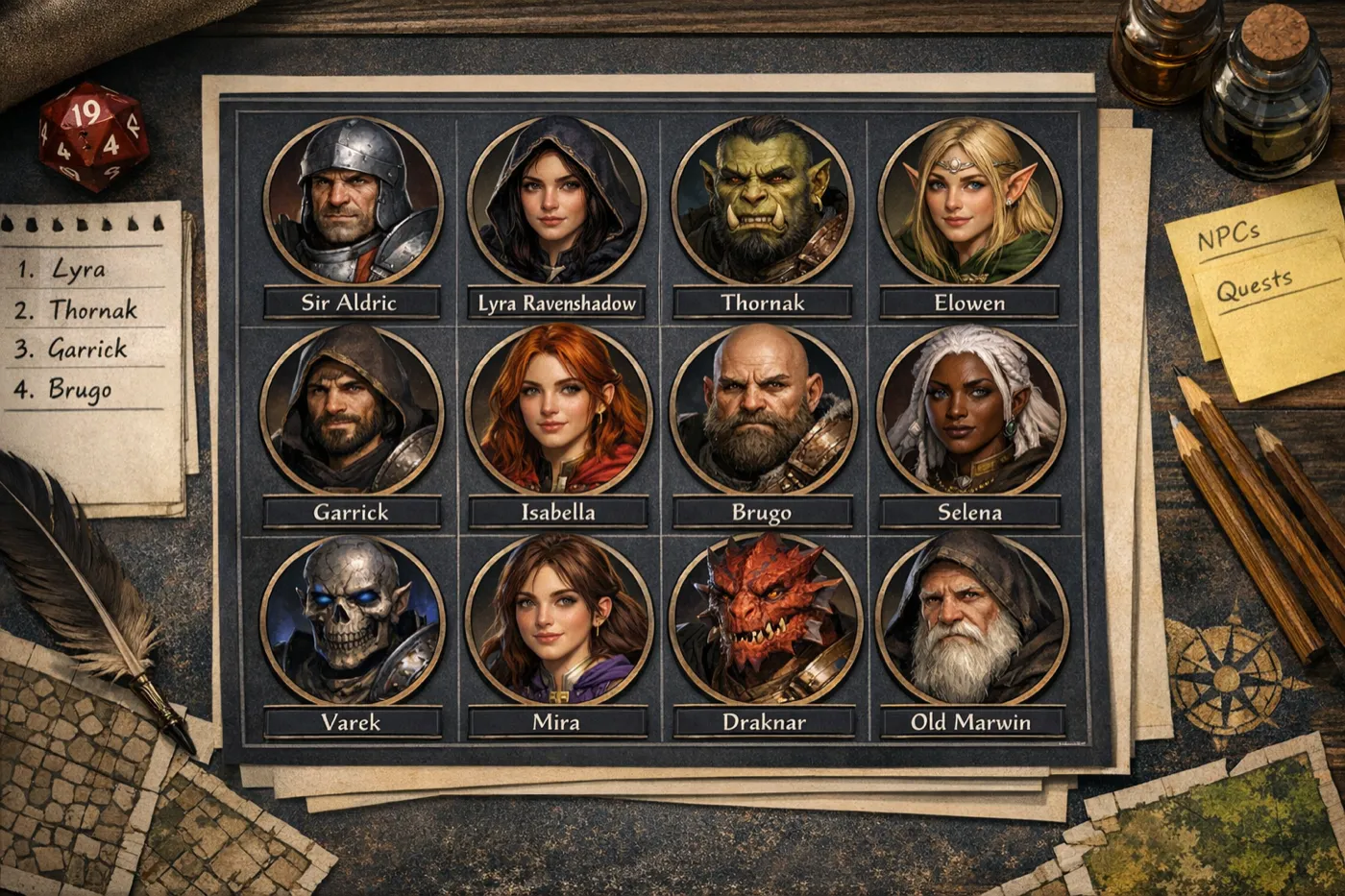
That last point is important. Players rarely care if a minor ferry clerk has perfect cloth texture. They do care if recurring NPCs look stable and easy to recognise from session to session.
I keep one tiny note beside each chapter: keep, reduce, or upgrade.
keepmeans my current lane settings are finereducemeans drop quality or retry budget next weekupgrademeans that asset type has real table value and deserves extra spend
After a month of doing this, my chapter planning got easier. I no longer guess how much art budget a city arc needs. I already know, because I can map spend to outcomes, not vibes.
How much does AI DnD character art cost in July 2026?
When people ask how much does ai dnd character art cost, they usually want one number. There is not one. A free allowance might be excellent for trying three versions of a goblin scout, then awkward for a player character you want to keep private and revise over six months. A monthly plan might be excessive for a one-shot, then sensible when you are producing twenty recognisable NPCs for a city chapter.
I checked the public pages again on 31 July 2026. Here is the shortest honest version of the comparison. Prices are the listed monthly entry prices before any tax, exchange-rate, or annual-billing discount. Generation counts are not interchangeable between tools, because a token, a GPU minute, and an API image are different units.
| Tool | Free starting point | Paid starting point | What to watch before you compare |
|---|---|---|---|
| CharGen | 10 gold every day, with 160+ models available to explore | Plus, £8/month for 900 gold | Model choice changes the gold cost. Standard images cost 1 gold, while premium models cost more. |
| Leonardo | 150 fast tokens per day, public creations | Essential, $12/month for 8,500 fast tokens | Token cost changes with the model and task. Private generations begin on a paid plan. |
| Midjourney | No standing free plan | Basic, $10/month | The Basic plan is measured in Fast GPU time, not a simple image count. Treat it as a paid art subscription from the first render. |
| NightCafe | Claim 5 credits every 24 hours | Credit packs and PRO plans vary | A standard image can have a very different credit cost by model, resolution, and edit settings. |
| OpenAI image API | No free API tier for image generation | Pay per generated image and input | API costs are useful for builders, not normally the least-click route for a DM who only needs a portrait. |
The CharGen pricing page is unusually clear about the free starting point: 10 gold daily, a 900-gold Plus plan at £8 a month, and a six-month subscription-gold bank. Leonardo's current page gives free users 150 fast tokens daily, but says their creations are public. Its $12 Essential plan adds private creations and 8,500 monthly fast tokens. That privacy detail is not a footnote if you are making a player character before the reveal.
Midjourney belongs in a different column mentally. It is still a powerful option for a polished fantasy illustration, but it does not offer the same daily free practice loop. The listed $10 Basic plan buys Fast GPU time. That can be enough for a focused character project, yet it is a poor fit if your actual aim is to test prompts at no cost for a month before choosing a tool.
NightCafe is more flexible, but that flexibility asks you to pay attention. Its support guidance says every user can claim a five-credit daily top-up, and its model guide makes the important caveat explicit: actual credit use changes with resolution, image count, references, and plan. In other words, a cheap draft model and a high-fidelity edit should not be budgeted as if they are the same thing. The same is true at API level. OpenAI lists a 1024px square GPT Image 1.5 output at roughly $0.009 low, $0.034 medium, or $0.133 high, before any image-input cost for edits. That is excellent unit economics for an app builder who knows exactly what they are calling. It is not automatically the simplest route for a game night.
My free-versus-paid rule for an actual campaign
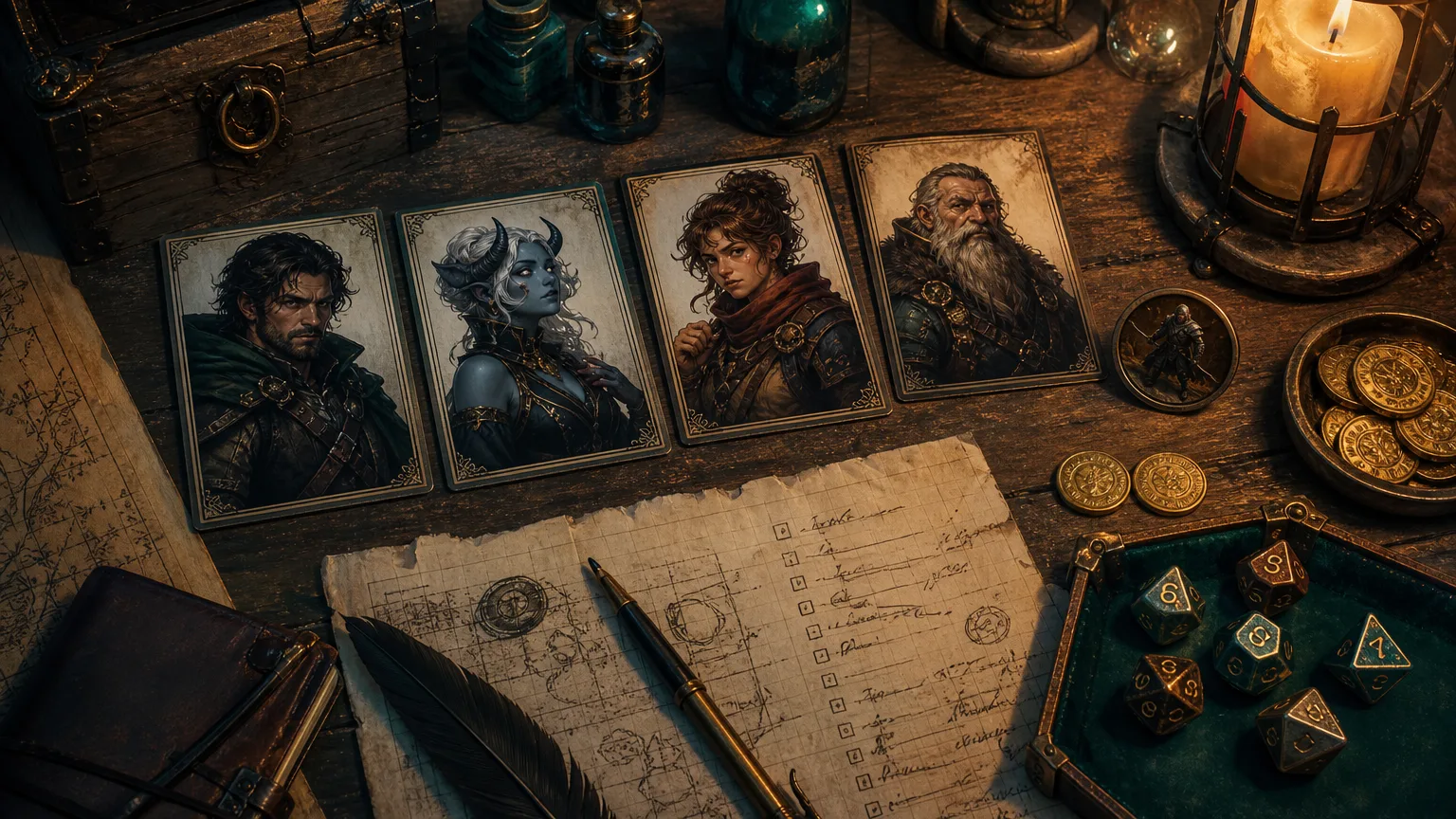
I use free generation for a bounded experiment, not a bottomless production pipeline. Give yourself one small test: make three versions of a character brief, choose the strongest face, and see whether the tool can produce a token crop that still reads at VTT size. If you cannot get there inside the free allowance, do not keep feeding the same vague prompt into it for a week. Either tighten the brief or decide that the project deserves a paid month.
For example, a new player in my Thursday game wanted a human ranger with a cropped silver undercut, patched red coat, hawk feather clasp, and a wary expression. I would use a free allowance to learn whether the tool understands those anchors. I would not spend that allowance trying to make twelve unrelated backgrounds, a full party poster, and a set of token variants on the same day. That is a batch-prep job. It needs a budget and a fixed retry limit.
The paid trigger I trust is recurrence. Pay when the image has to remain the same person after a level-up, reappear in a handout, and turn into a token that your players can recognise instantly. In CharGen, that is the point where I save the approved portrait, use the editing tools for a controlled change, then send it through the Token Maker. Starting over with a new prompt costs less on paper than an edit sometimes, but it costs more in continuity when the captain suddenly has a different face.
A 30-minute cost check before a city chapter
Here is the test I would run before paying for anything:
- Write four recurring-character anchors, then one shared style line. Keep the anchors human: scar, coat, jewellery, posture, expression.
- Generate a single draft for two characters. Do not batch twenty people before the prompt has proved itself.
- Make one 128px token crop and put it beside your usual battlemap. If the silhouette does not read, fix the framing before you generate finals.
- Price the real list: four player characters, six recurring NPCs, and only the next session's minor faces. Everything else is a future decision.
- Put a two-retry ceiling on each important portrait. When it fails twice, edit the prompt rather than buying another lucky attempt.
That last rule matters more than the plan table. An inexpensive platform turns expensive when every render is a lottery ticket. A paid platform can be good value when it lets you carry forward a prompt, an approved image, and an edit history without recreating the identity each week.
My recommendation is plain. Start free if you are discovering a character's look or need a handful of one-shot faces. Move to a paid plan only when you have a repeating production job, and choose the plan around that job: private player art, a batch of NPCs, high-fidelity finals, or a campaign-wide visual library. If you want to run the practical version of that test, make one portrait and one token in CharGen's character generator, then compare the result at the size your table will actually see.
FAQ
What is a sensible monthly cap for dnd character art generator pricing?
Set a cap per campaign chapter, not per month first. Monthly caps are useful later, but chapter caps force you to match spend to playable output.
Is CharGen vs Midjourney for DnD a pure quality decision?
No. Quality matters, but workflow and reroll control matter just as much. If one platform gives prettier single shots but breaks consistency for recurring NPCs, your real campaign cost can still be higher.
Should I always pay for high-quality renders?
No. Use high-quality output for finals that players will revisit. Use medium or draft lanes for ideation and minor NPCs.
How many retries are too many?
If you are beyond two retries on the same concept and still unhappy, rewrite the prompt structure. More retries usually means the prompt is unclear, not that you need one more lucky roll.
Is there a free way to make DnD character art with AI?
Yes. CharGen provides 10 free gold daily, Leonardo lists 150 daily fast tokens, and NightCafe lets users claim five credits every 24 hours. Use free access to test a concise character brief and make a few one-shot faces. Check privacy, model access, and how each tool charges for edits before using it for a player character or a long campaign.
What is the cheapest way to make a DnD character portrait that stays consistent?
The cheapest reliable route is to reduce rerolls. Save a short anchor line for the face, clothing, and defining item, select the best initial portrait, then edit or crop that approved image for token and handout variants. Paying for a month can be cheaper than repeatedly restarting a character across several free tools if the portrait needs to recur.
Can one model handle all my D&D art?
Technically yes, but it is rarely cost-efficient. Split by task lane and you will usually spend less while getting better campaign continuity.
What to do next
If your current process feels random, run a one-week test.
- define three lanes (draft, final, token)
- cap retries per asset type
- track output against campaign usefulness, not just visual polish
Then compare your result against your old method.
When you are ready to build the workflow properly, start with CharGen pricing and run your next batch through D&D AI Art generation plus Model Comparison. You will get better art, but more importantly, you will get predictable prep economics.
Generate Character Art Free
Image credits:
- Hero and supporting images generated with OpenAI Images (
gpt-image-1.5) for this post.