
Best Free D&D Token Makers in 2026: Tested and Ranked
The best free D&D token generators for 2026, no sign-up required. Compare CharGen, Roll20, Token Stamp, GMCraftTavern and more.
A good free D&D token maker turns session prep from a Photoshop chore into a 30-second job. I have tested every major token tool available in 2026, from the browser-based classics to the new animated-token generators that appeared this year. The field has changed significantly since my original 2025 guide. New tools like GMCraftTavern and Heroic Token have entered the space, animated tokens are now a realistic option for free, and AI-powered generation means you can go from a text description to a finished VTT token without ever opening an image editor.
This guide ranks the tools I actually use for CharGen and my own campaign prep. Every tool listed here is free or has a meaningful free tier. I tested each one by creating tokens for Roll20, Foundry VTT, and Fantasy Grounds, checking export quality, border options, and how quickly I could go from raw portrait to game-ready asset. For full character portraits rather than tokens, see the D&D character art generator comparison or the character creator tools guide.
How I Tested These Token Makers
I ran each tool through the same workflow: upload a fantasy character portrait, apply a border, adjust the crop, and export a transparent PNG at VTT-standard dimensions. For tools that support it, I also tested animated token export and AI generation from text prompts. I scored on five criteria: speed (time from upload to export), border variety, export quality, VTT compatibility, and whether I needed to create an account.
CharGen Token Maker: Generate and Frame in One Step
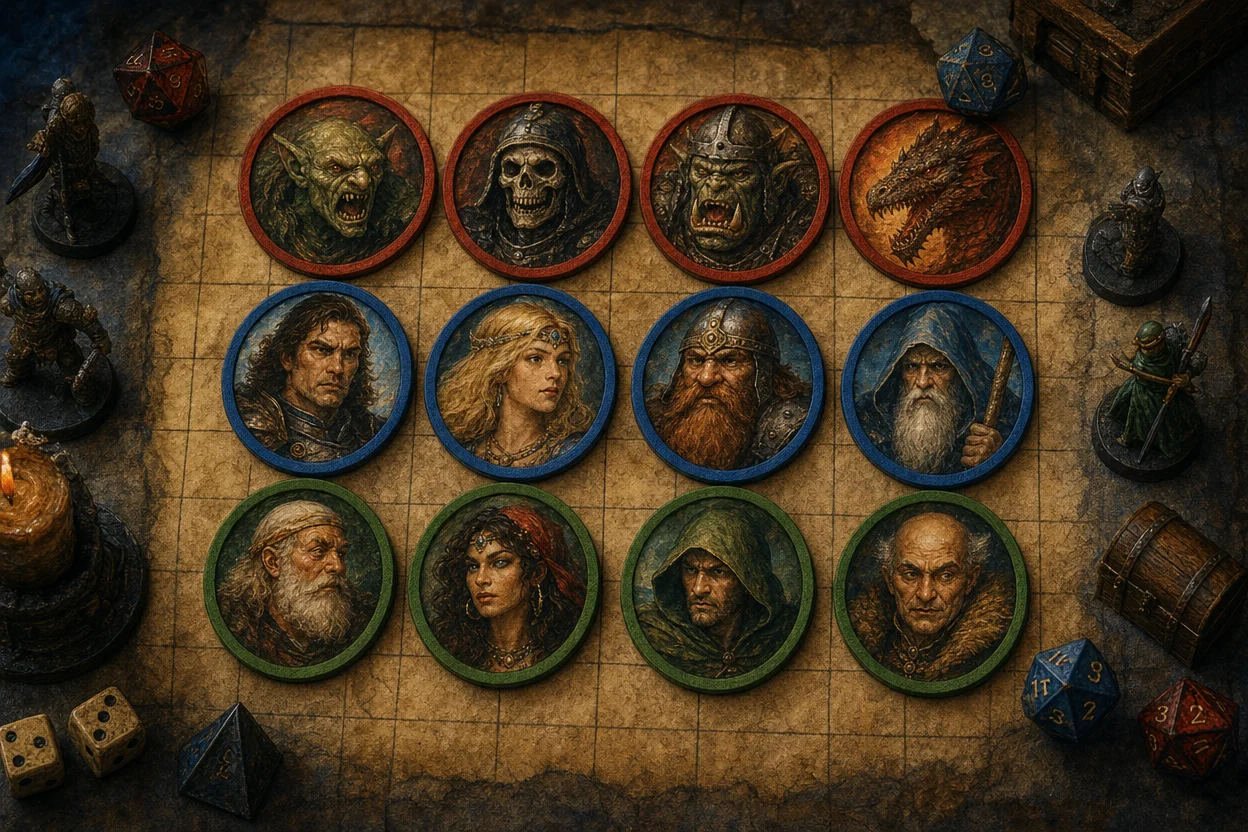
CharGen's Token Maker is the tool I built, so take my ranking with appropriate scepticism. What makes it different from the other tools on this list is the integrated workflow. You can generate a character portrait using any of CharGen's 160+ AI models, then convert that portrait into a VTT token without leaving the site. No download, re-upload, or tab switching.
The token maker itself is straightforward. Upload or select an image, choose from 20+ border styles, adjust scale and rotation, then download a transparent PNG. It works without an account, which I think matters for a tool people reach for five minutes before a session.
The numbers: free, no sign-up, no watermark, no subscription. Exports are a single 1024x1024px transparent PNG, which downscales cleanly to Roll20's 280px and Foundry's 400px standards. It is confirmed compatible with Roll20, Foundry VTT, Fantasy Grounds, Owlbear Rodeo, D&D Beyond, MapTool and TaleSpire.
Where CharGen pulls ahead is the ecosystem. If you have already generated an NPC or a monster using CharGen's generators, you can turn that entity's portrait into a token in two clicks. The same image stays consistent across your character portraits, your battlemaps, and your token tray. For DMs running sessions with 10+ NPCs, that consistency adds up.
Best for: DMs who already use CharGen for NPC and monster generation and want the fastest portrait-to-token pipeline.
Limitations: No animated token export yet. Border library is smaller than GMCraftTavern's.
Token Stamp 2: The Speed Benchmark
Token Stamp 2 from RollAdvantage has been the default answer to "how do I make a D&D token?" for years, and it still deserves that reputation. The interface is as minimal as a token tool can get: drag an image onto the canvas, pick a border colour and style, export. Done.
Token Stamp 2 also has a Foundry VTT module that embeds the tool directly inside Foundry's actor configuration panel. You create tokens without leaving your VTT, which eliminates the export-import friction entirely. If you run Foundry, this module alone might make Token Stamp your default choice.
The tool supports multiple export formats (WebP, PNG, JPEG, GIF, TIFF) and PSD overlays for custom masking. It handles the basics better than almost anything else because it does not try to do more than the basics.
The numbers: free, no account, no pricing tier at all. The official Foundry VTT module listing states compatibility from Foundry 0.6.5 up to a verified 0.9.9 build, which is several major versions behind Foundry's current v13 line, so I would test the module against your own install before building a session around it rather than trusting the listing blind.
Best for: Quick one-off tokens when you already have character art. Foundry VTT users who want native integration.
Limitations: No AI generation. No animated tokens. The border selection is functional but not extensive compared to newer tools.
GMCraftTavern: Animated Tokens and a Full Tool Suite
GMCraftTavern is the most significant new entry in the token maker space since 2025. It is not just a token tool. It is a six-tool suite: circular token maker, top-down token generator, animated token maker, paper mini maker, fantasy token border generator, and an image converter. All free, no signup required.
The standout feature is animated token support. You upload a short video clip (WEBM or MP4), choose from 200+ animated border frames, align the character, and export as WEBM or GIF. The tool even generates a static PNG first-frame fallback for VTTs that do not support animation. That is a genuinely useful detail that shows someone thought about real-world usage.
The border library is the largest I have tested. Over 200 frames covering fantasy, sci-fi, horror, and generic styles. The top-down token generator is a separate tool specifically for creating overhead-view tokens, which matters for VTTs where players see their characters from above rather than as portraits.
GMCraftTavern also provides 3,000+ free maps alongside the token tools, making it a one-stop resource for VTT prep.
The numbers: the token maker itself is free with no account required. Static tokens export at 512, 768, 1024 or 2048px; animated exports come out as WEBM or GIF with an optional PNG still frame. It confirms compatibility with Roll20, Foundry VTT and Fantasy Grounds. The wider Treasure Room asset library sits behind an optional Patreon starting at $4.99 a month, but the token maker stays free either way.
Best for: DMs who want animated tokens, top-down tokens, or the widest border selection available for free.
Limitations: No AI art generation. The interface has more options than simpler tools, which means a slightly longer learning curve on the first visit.
Heroic Token: Cloud Storage and Mobile Support
Heroic Token takes a different angle from the other tools here. It works on both desktop and mobile, and it stores your tokens and custom borders in the cloud. That means you can create tokens on your phone during your commute and access them from your desktop when you sit down to prep.
The free tier includes 100+ border frames across fantasy, sci-fi, and horror themes. The tool handles the standard workflow well: upload an image, stamp it with a border, export with a transparent background. What sets it apart is the organisation layer. You can store source files alongside finished tokens and access your entire collection from any device.
Heroic Token is compatible with Foundry VTT, Roll20, MapTool, and other platforms. The cross-device workflow is its genuine advantage. If you prep sessions across multiple devices, or if you frequently build tokens on mobile, Heroic Token is worth trying.
The numbers: the free tier now runs 400+ token borders, up from the roughly 100 I counted when I first tested it, and the editor itself needs no account. Exports are PNG or WebP with a transparent background, or WebM for animated tokens. A paid Pro tier layers on custom border uploads and multi-device cloud sync, though the exact price is not published on the site, only the feature list.
Best for: DMs who prep on mobile or across multiple devices and want cloud-synced token libraries.
Limitations: No bulk upload or tagging system for large collections. No animated token support. Requires account creation for cloud features.
The Fateful Force VTT Token Creator
The Fateful Force offers a clean, focused token maker as part of a broader suite of TTRPG battle resources. The tool is simple by design: upload an image, select a border, adjust positioning, and export. It also provides direct upload to Imgur, which is convenient if you share tokens with players through image links rather than file transfers.
The Fateful Force is a good choice when you want something that works without any friction. No accounts, no options overload, no learning curve. Upload, frame, export. Their broader site includes encounter calculators and initiative trackers, so if you are already using their battle prep tools, the token maker fits naturally into that workflow.
The numbers: free to use, no account required. Unlike the other tools here, The Fateful Force does not publish a resolution spec or a formal VTT compatibility list, just a general claim of support for D&D, Pathfinder and other popular RPGs, so I would export a test token and check it against your own VTT's minimum size before relying on it for a full campaign.
Best for: DMs who value simplicity and want a token maker that does exactly one thing without distractions.
Limitations: Smaller border library than GMCraftTavern or Heroic Token. No animated tokens. No AI generation.
TokenTool 2: Batch Processing for Campaign-Scale Prep
TokenTool 2 from RPTools is the desktop option. It requires installation, which is a genuine trade-off, but it offers capabilities that browser-based tools cannot match. Batch processing is the main one. You can apply consistent borders and overlays across dozens of tokens simultaneously, which matters when you are building a token library for a multi-year campaign.
TokenTool 2 also supports custom border creation with pixel-level control over colours, widths, and overlay effects. If you have a specific visual identity for your campaign (faction-coloured borders, custom insignia overlays), TokenTool gives you the precision to implement it.
The tool works on PC, Mac, and Linux. It is completely free and open source. The community has contributed additional border packs and templates that extend the built-in options significantly.
The numbers: the current release is TokenTool 2.3.0, rewritten in JavaFX with a modernised interface, shipped as native installers for Windows (.msi/.exe), Linux (.deb/.rpm) and macOS (.pkg/.dmg, with Apple Silicon supported through Rosetta 2). RPTools states plainly that its products are open source and always free, so there is no paid tier or account gate anywhere in the stack.
Best for: Long-running campaigns that need hundreds of visually consistent tokens. DMs who want custom borders beyond what web tools offer.
Limitations: Requires installation and updates. No AI generation. No animated tokens. Tied to one device unless you sync files manually.
AI-Powered Token Makers: Text to Token in 2026
The 2026 token field includes several tools that skip the portrait stage entirely. You describe a character in text, and the tool generates both the art and the token frame.
YesChat DnD Token Crafter is an AI-powered token generation tool accessed through a ChatGPT-style interface. Type a description such as "scarred half-orc barbarian with battle-worn armour" and it produces a unique character portrait already framed as a circular token. The TTRPG Token Designer (also via YesChat.ai) works on similar principles with slightly different style outputs. The quality varies between generations, and getting a consistent likeness across multiple images of the same character is still unreliable, but for one-off NPCs and random encounters these tools cut real time from your prep.
NightCafe and Pixa offer similar text-to-token workflows with different AI models and style options. NightCafe tends toward more painterly results; Pixa leans toward clean digital illustration.
Vondy is a newer entrant worth noting. Its AI character generator produces portrait-style images that work as token bases after cropping, and it has a dedicated D&D character template that pushes results toward the high-contrast fantasy aesthetic that reads well at small sizes.
Decohere focuses on AI image and short-clip generation with strong photorealistic tendencies. It is less purpose-built for TTRPG tokens than the others, but it produces unusually detailed faces, useful for gritty humanoid NPCs, and you can crop and frame the result in a token maker.
If NightCafe's painterly style appeals but you want to see what else can produce token-ready fantasy art, I have tested its closest rivals in my NightCafe alternatives comparison.
CharGen takes a different approach. Instead of generating a pre-framed token directly, you generate a full character portrait using any of 160+ AI models across 70+ art styles, then use the Token Maker to frame it. This two-step process gives you more control over the final crop and border, and the full portrait remains available for character sheets, handouts, or social sharing.
The consistency problem is worth flagging honestly. AI generators in 2026 still struggle to produce multiple images of the same character that look like the same person. If you need tokens for a recurring NPC who appears across five sessions, you are better off generating one strong portrait and using a framing tool. AI-generated tokens work best for characters who appear once or twice.
Best for: DMs who need unique tokens for disposable NPCs and random encounters and do not have existing character art.
Limitations: Inconsistent results across multiple generations. Style varies between tools. Most free AI tools have daily generation limits.
VTT Platform Compatibility at a Glance
Your VTT determines more about your token workflow than the token maker itself. Here is what each platform expects:
| Platform | Standard Size | Native Token Tool | Best External Tools |
|---|---|---|---|
| Roll20 | 280 x 280 px | No | Token Stamp 2, CharGen, GMCraftTavern |
| Foundry VTT | 400 x 400 px | Yes (Tokenizer, Easy Token modules) | Token Stamp 2 (native module), CharGen |
| Fantasy Grounds | 100-300 px (varies by creature size) | No | TokenTool 2, Token Stamp 2 |
| Owlbear Rodeo | Flexible (auto-scales) | Basic | Any web-based tool |
A practical tip: always create tokens at 400 x 400 px or higher, then let the platform downscale. Upscaling a 280 px token to 400 px introduces visible quality loss. Downscaling from 400 px to 280 px is lossless. Export with transparent backgrounds so each platform can handle token borders according to its own display logic.
Foundry VTT users have the smoothest experience overall. The Tokenizer and Easy Token modules integrate directly into the actor configuration panel, so you never leave your VTT to create tokens. Roll20 and Fantasy Grounds require external tools, which adds an import step but gives you the freedom to use whichever token maker you prefer.
July 2026 Free D&D Token Maker Update: Export Checks I Use Now
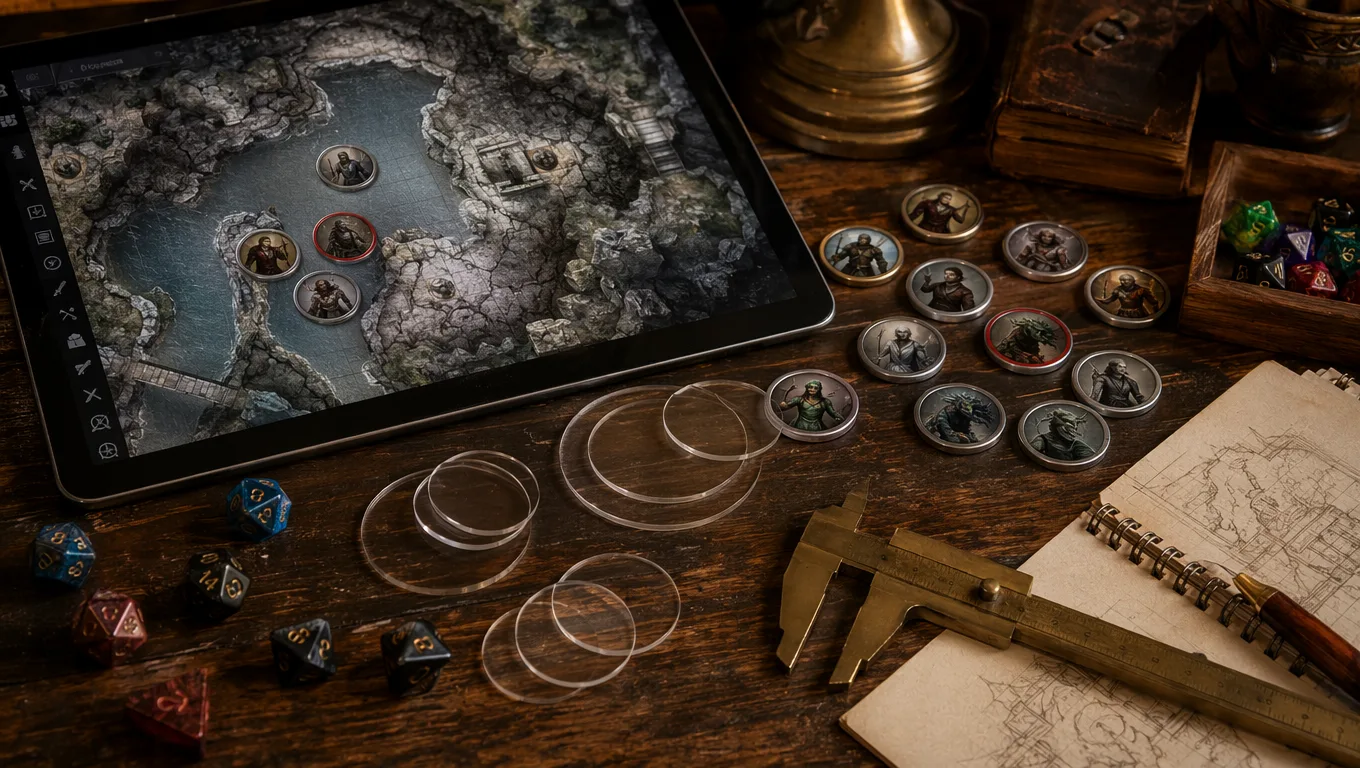
The biggest change since I last refreshed this guide is not a flashy new border style. It is how much more fussy VTT handoff has become. Foundry's official token documentation now puts more emphasis on prototype tokens, placed tokens, wildcard image paths, dynamic token rings, display names, vision settings, scale, tint, and token disposition. Roll20 is still forgiving for simple PNG tokens, but the minute you start mixing player tokens, monster art, animated frames, and imported marketplace assets, a sloppy export folder costs real prep time.
So I have added a small export check before I call any token finished. It sounds boring. It saves me every week.
| Check | Why it matters | My default |
|---|---|---|
| Transparent background | Avoids square image boxes on darker maps | PNG for static tokens |
| 400 x 400 px or larger | Downscales cleanly for most VTTs | 512 px when available |
| Face readable at 70 px grid size | The board view is smaller than the preview | Tight crop for enemies, looser crop for social NPCs |
| Border contrast | Tokens vanish on busy battlemaps if the ring is too subtle | Blue allies, red hostiles, brass neutral NPCs |
| Filename includes role | Search beats memory during a live session | city-watch-sergeant-hostile-token.png |
| One master export | Platform variants multiply mess quickly | Only make variants after a real display issue |
CharGen fits this routine because the token maker keeps the character portrait and token framing close together. My normal flow is: generate or pick the portrait, open Token Maker, select a border, adjust scale and rotation, download the transparent PNG, then import it into the VTT. For a recurring NPC, I also keep the full portrait attached to the character or NPC record so I can use the same face in a handout, recap, or later scene image.
GMCraftTavern changed the animated-token part of the comparison. Its token maker page now advertises image uploads in PNG, JPG, and WebP, animated uploads in WEBM or MP4, static exports at 512, 768, 1024, or 2048 px, and animated export as WEBM or GIF with an optional PNG still. That optional still is more useful than it sounds. A static fallback means I can use the same token pack across a table where one VTT setup handles animation and another does not.
That said, I still do not recommend animated tokens for every creature. They look great for a lich, a wildfire elemental, or a player character reveal. They are overkill for eight bandits in a warehouse. Animated files also make asset libraries harder to scan, and some tables already have enough going on with lighting, spell effects, and music. My rule is one animated token per encounter unless the animation is doing practical work, like marking a boss phase or a summoned creature.
For static tokens, the boring rule wins: make the face readable, keep the border consistent, and export with transparency. A beautiful 2048 px token that turns into a muddy coin on the battle grid is not better than a clear 512 px token with a strong silhouette.
Batch Token Consistency for NPC Groups
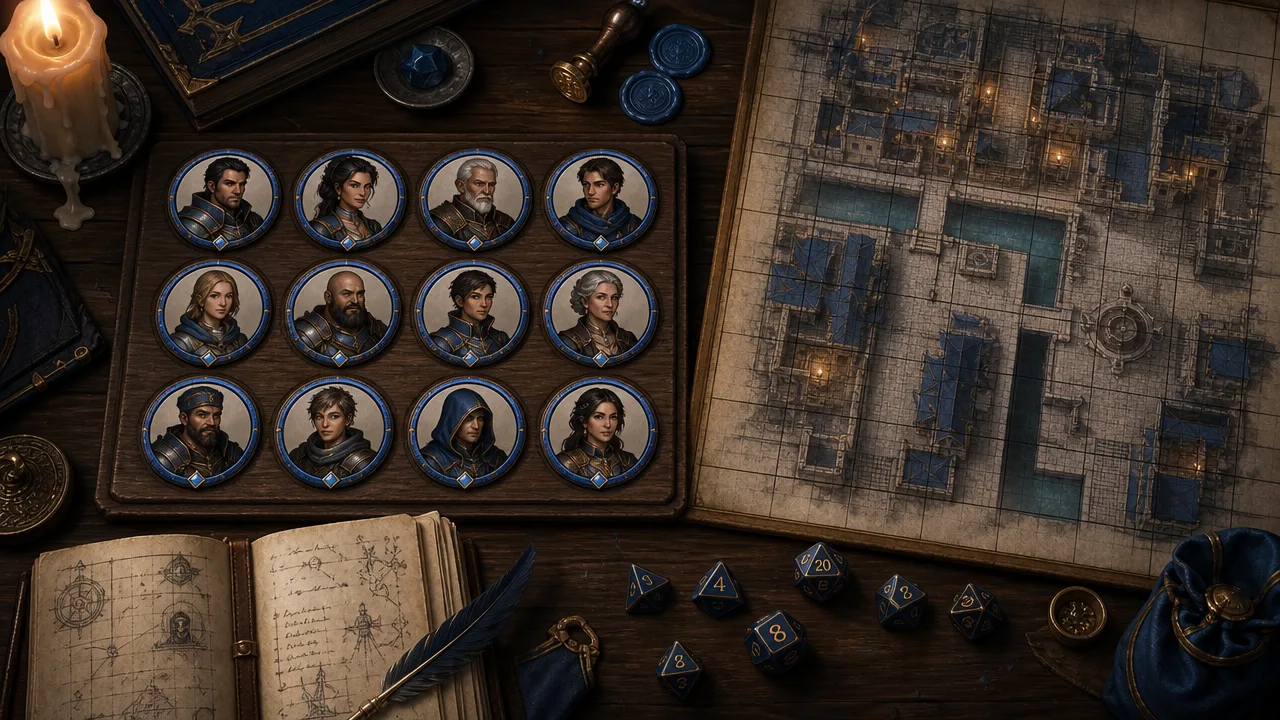
The search data for this article shows people are not only looking for "token maker". They are also searching for "dnd token maker", "dnd token generator", and "ttrpg token maker", which usually means they have a practical problem rather than curiosity. They need a stack of usable tokens before the next game.
For one-off monsters, almost any tool in this list will do. For NPC groups, consistency matters more than tool count. I would rather have twelve city-watch tokens with matching crop, border, and lighting than twelve individually prettier portraits that look like they came from different campaigns.
Here is the batch pattern I use for factions and towns:
| Batch type | Prompt anchor | Border rule | Export note |
|---|---|---|---|
| City watch | blue tabard, brass badge, damp street light | blue or steel ring | keep all faces chest-up |
| Cult cell | ash mark, black cord necklace, candlelit cellar | dark red or bone ring | make elite cultists tighter crops |
| Tavern regulars | work clothes, warm lamplight, worn wooden room | simple brass ring | avoid dramatic action poses |
| Wilderness scouts | weathered cloak, mud, pine needles, grey sky | green or leather ring | leave more shoulder detail |
In CharGen, I normally start with the NPC Generator for names, roles, motives, and quick personality notes, then use Generate for portraits and Token Maker for framing. For monsters, I do the same with the Monster Generator. That keeps the token tied to the actual campaign entity instead of becoming another orphaned image in Downloads.
A concrete example from my own prep: I needed a dockside patrol for a smuggling session, not heroic splash art. I generated a scarred half-orc harbour guard with a chipped tusk, a tired human toll clerk with ink on his cuffs, a dwarf night-watch captain with a brass jaw clasp, and a nervous teenage runner in an oversized watch cloak. The token prompts shared three anchors: wet dock light, blue-black watch uniform, and chest-up portrait. After that I used the same simple steel border for all four. On the VTT, my players read them as one organisation immediately.
That is the real value of a free D&D token maker in 2026. It is not just "can it crop a circle?" It is whether the tool lets you make enough readable, related tokens before prep becomes homework. For that job, CharGen is strongest when you need the character record, portrait, and token in one place; Token Stamp 2 is still excellent when you already have art; GMCraftTavern wins when animated export matters; TokenTool 2 is the best choice when you are maintaining a large local library.
Which Free D&D Token Maker Should You Pick?
After testing everything on this list, here is how I would decide:
Need a token in 30 seconds from existing art? Token Stamp 2. Nothing is faster for the drag-drop-export workflow.
Want to generate the art and the token in one place? CharGen. The integrated generator-to-token pipeline eliminates the multi-tool shuffle.
Want animated tokens for free? GMCraftTavern. It is the only free tool that handles animated borders with video input.
Prep on your phone? Heroic Token. Mobile support with cloud sync is its genuine differentiator.
Building tokens for an entire campaign? TokenTool 2. Batch processing and custom borders scale where web tools do not.
No art, no budget, need something unique? DnD Token Crafter or CharGen's AI generators. Text to token with no artistic skill required.
There is no single best tool. I use CharGen for anything connected to my NPC and monster prep, Token Stamp 2 for quick one-offs from existing art, and GMCraftTavern when a player asks for an animated token. Different jobs, different tools.
Getting a Token Off Your Screen and Onto Roll20 or Foundry
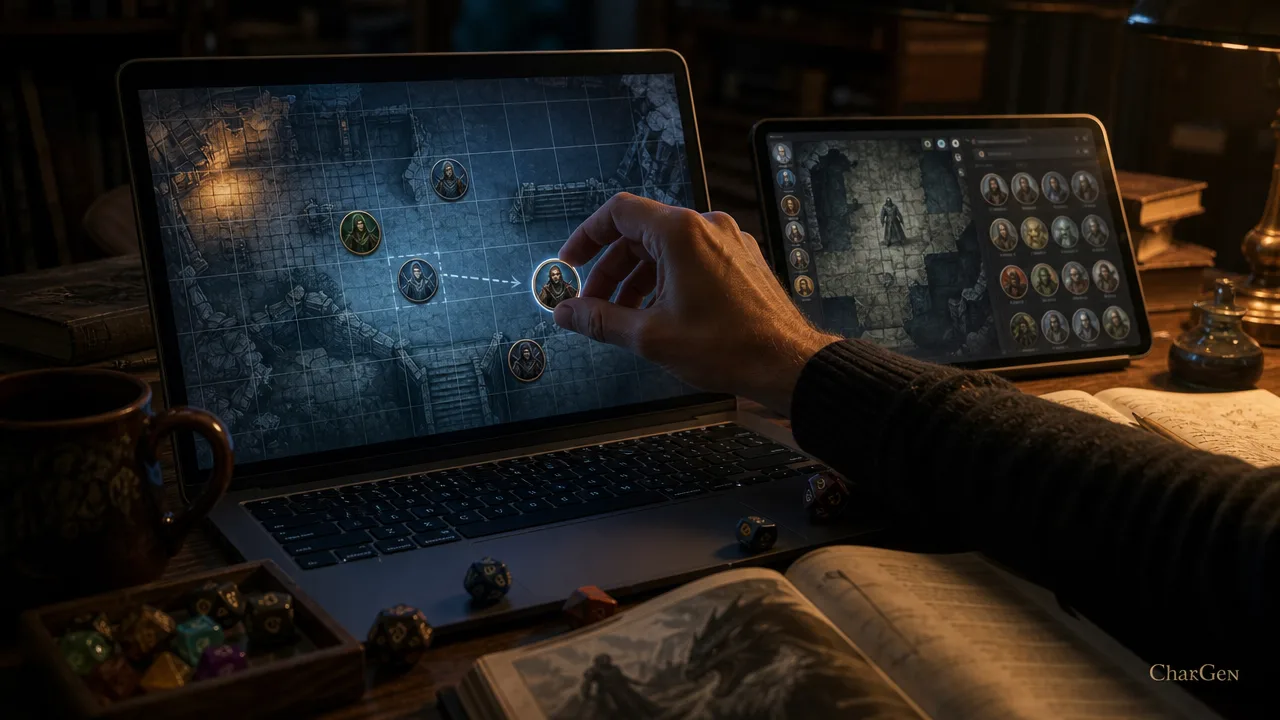
A vtt token maker only does half the job. The export is a transparent PNG or WebP sitting in your downloads folder. Getting it onto the actual table looks slightly different depending on the platform.
On Roll20, drag the exported PNG straight into a page, or upload it to your Art Library first if you want to reuse it across multiple scenes. Open the token's settings, set "Has Sight" if the creature needs vision, and Roll20 will scale a 400px token down to its 280px grid squares without visible softening.
On Foundry VTT, drop the file into your world's tokens folder (or a scene-specific assets folder if you keep things tidy), then attach it to the Actor's Prototype Token settings. Foundry expects roughly 400x400px and handles dynamic token rings and vision settings from there, which is why Foundry's own token documentation has grown more detailed as those features matured.
Fantasy Grounds is the fussiest of the three. It wants creature-size-appropriate dimensions rather than one universal standard, so a 400px token built for Foundry can look oversized on a Fantasy Grounds table without a manual resize. Owlbear Rodeo is the most forgiving, it auto-scales almost anything you drop on the board.
The practical rule across all of them: export bigger than you need (512px or higher if the tool offers it) and let the platform scale down. Scaling up a small token always looks worse than scaling down a large one.
Frequently Asked Questions
What is the best free D&D token maker for Roll20?
Token Stamp 2 and CharGen are the strongest free options for Roll20. Both export transparent PNGs at the correct dimensions without requiring an account. CharGen adds AI portrait generation if you need to create the character art as well as the token.
Can I make animated tokens for free?
Yes. GMCraftTavern's animated token maker accepts short video clips (WEBM or MP4) and exports animated tokens as WEBM or GIF with over 200 border frames. It also generates a static PNG fallback for VTTs that do not support animation.
Do I need Photoshop to make D&D tokens?
No. Every tool on this list is a dedicated token maker that handles cropping, framing, and export without general-purpose image editing software. Upload a portrait, choose a border, download the token. The entire process takes under a minute.
What size should my D&D tokens be?
Create tokens at 400 x 400 px as a baseline. Foundry VTT uses this as its standard, and it downscales cleanly to Roll20's 280 x 280 px standard. Fantasy Grounds tokens range from 100-300 px depending on creature size. Always export with a transparent background.
Can AI generate consistent tokens for the same character?
AI token generators in 2026 still struggle with consistency across multiple generations of the same character. For recurring NPCs, generate one strong portrait and use a framing tool like CharGen's Token Maker or Token Stamp 2 to create the token. AI-generated tokens work best for one-off characters and random encounters.
What size should physical D&D tokens be?
Physical D&D tokens are typically 1 inch (25mm) for Medium creatures when used with miniatures. Digital tokens for VTTs like Roll20 or Foundry are typically 70-140px square at the grid level, but you should always export at a higher resolution. Most AI token generators export at 400-512px, which you can resize in any image editor without quality loss.
Can I use AI tokens on Roll20?
Yes. Download your AI-generated token as a PNG, upload it to Roll20's token library, and set it as your character's token image. Set the "Has Sight" property on the token if the character needs vision for fog-of-war. Transparent PNG backgrounds work best on Roll20's map canvas.
Are AI-generated tokens legal for D&D?
AI-generated tokens for personal use at the table are generally fine. For commercial or published materials, check the terms of service of the AI tool you used. CharGen's tokens are free for personal use; commercial usage rights are included with the Elite and Ultimate plans.
What is the best free dnd token maker overall, not just for one VTT?
If I had to pick one, it is CharGen for anyone who is already generating NPC or monster art, because the portrait and the token stay in the same workflow, and Token Stamp 2 for anyone who already has finished art and just wants the fastest possible crop-border-export loop. Neither one requires an account, and both export in seconds. The right pick depends on whether your bottleneck is "I need art" or "I already have art and just need a frame."
What exactly is a vtt token maker?
A vtt token maker is a tool that takes a source image, usually a character or monster portrait, and turns it into the small circular (or square) icon that represents that creature on a virtual tabletop's grid. That is different from a full art generator or a general image editor. A vtt token maker specifically handles the cropping, the border framing, the transparent background, and the export dimensions that Roll20, Foundry VTT, Fantasy Grounds and Owlbear Rodeo expect, so the finished file works the moment you drop it onto the board.
How do I use a token maker for Roll20 specifically?
Export your token as a transparent PNG at 400px or larger, since Roll20 downscales cleanly to its own 280 x 280px standard but upscaling a smaller file looks soft. Upload the file to Roll20's Art Library or drag it directly onto a token, open its settings, and turn on "Has Sight" if the creature needs vision for fog-of-war. Token Stamp 2 and CharGen's Token Maker both produce Roll20-ready exports without an account.
Make D&D Tokens Free